











Guest users can ask up to 3 text questions without login. After the guest limit, LoopMax Ai will prompt you to log in or register to continue asking questions and access more features.
Help & FAQ
Everything you need to use LoopMax Ai confidently.
Find help with questions, plans, AI Educator videos, documents, privacy and every part of your learning journey.
Help Categories
Choose a topic to find the answers you need.
Getting StartedLearn the basics and get up and running with LoopMax Ai.Plans & Usage LimitsUnderstand free limits and subscription plans.Asking QuestionsText, voice, image and multilingual questions.My Learning & HistoryManage your questions, history and saved content.AI Educator VideosLearn how AI educator videos work.Privacy & SafetyLearn about data privacy and safe learning.Documents & DownloadsPDF, Word, Excel, PPT, Worksheet, Guess Paper and more.Account & BillingLogin, register, subscription and payment help.
Frequently Asked Questions
A free account includes 5 text answers and 2 voice answers daily. These allowances reset independently of the 2 lifetime free AI Educator videos.
Free accounts receive 2 successful AI Educator video answers in total. This allowance never resets daily or when you log in again. After those videos, subscribe to continue using Voice + Video; text and voice keep their separate allowances.
LoopMax Ai selects suitable learning technology behind the scenes. You always interact with LoopMax Ai, while the platform focuses on giving you a clear, useful and age-appropriate learning response.
Yes. An AI Educator video is a separate learning experience. Notes, worksheets, presentations and other study files are created only when you choose the corresponding study-material action.
No. Selecting a document format creates that study material only. A video is generated or opened separately through the AI Educator video controls.
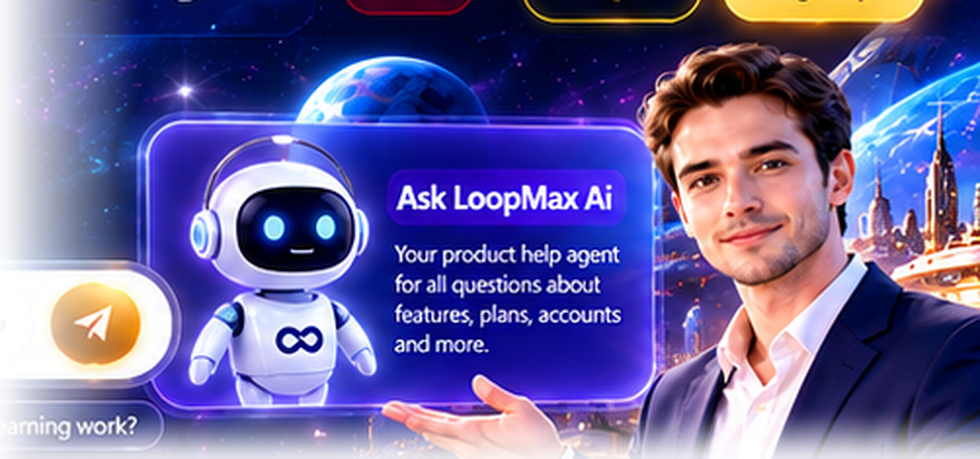
Ask LoopMax Ai is the product-help assistant for questions about accounts, plans, limits, downloads and using the platform. Academic questions belong in the main learning composer.
My Learning keeps your recent questions, saved sessions and study content together. On desktop it can be collapsed for more workspace; on mobile it opens as a drawer over the current session.
Yes. Full-screen mode temporarily hides the surrounding panels and shows one AI Educator video with accessible playback controls. Exiting restores your previous learning layout.
LoopMax Ai is designed for a safe, age-appropriate learning experience. We collect only necessary information, apply security controls and follow applicable child-privacy requirements, including parental consent where required.

How It Works (Quick Guide)
Learn with LoopMax Ai in four simple steps.
Ask Your Question
Type, speak or upload an image in any subject or language.

Get AI Answer
Receive clear answers with text, images or explanations.

Watch AI Educator
Get step-by-step video lessons from AI educators.
Download Study Materials
Create PDF, Word, Excel, PPT, Worksheet or Guess Paper.